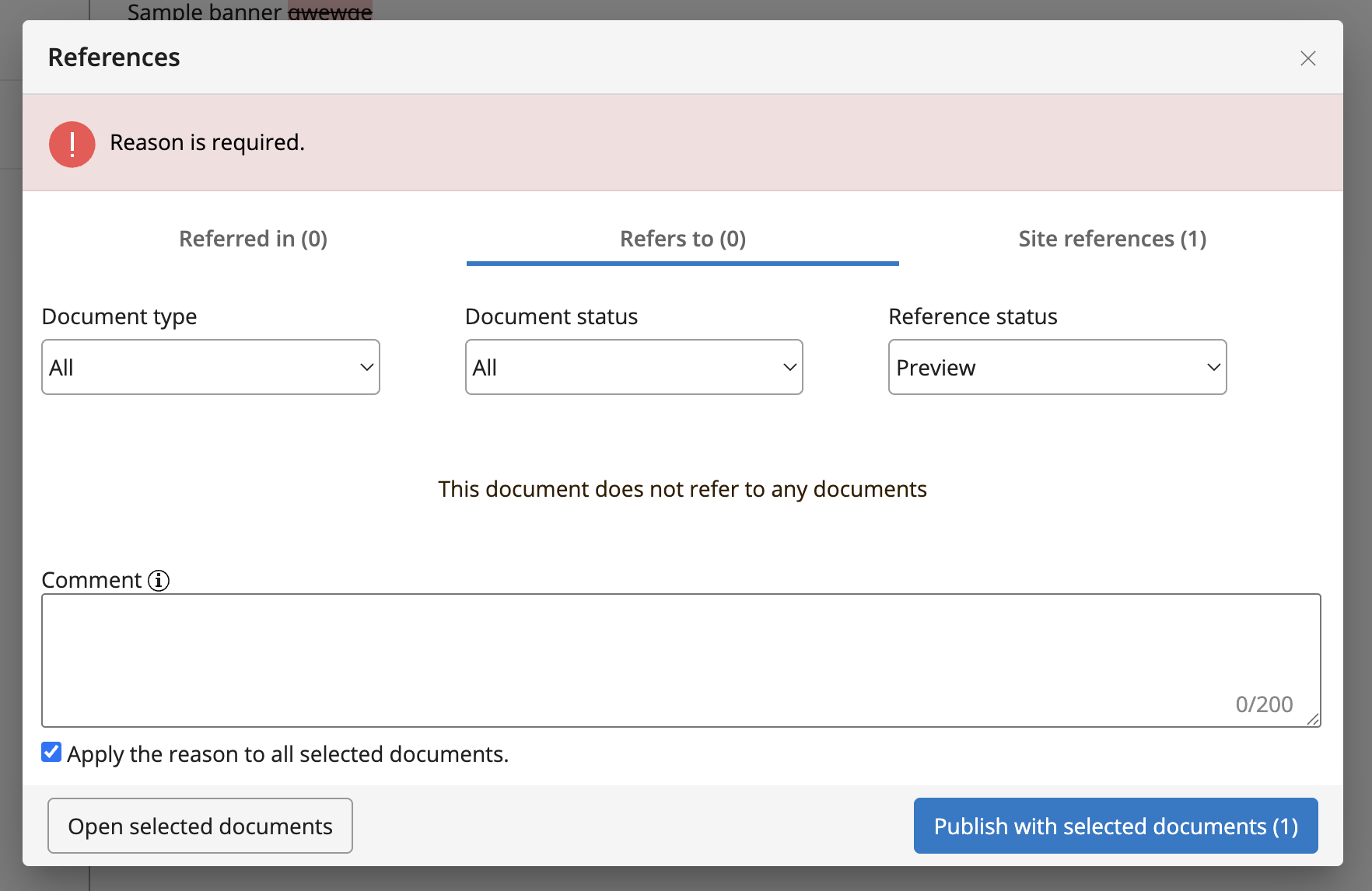
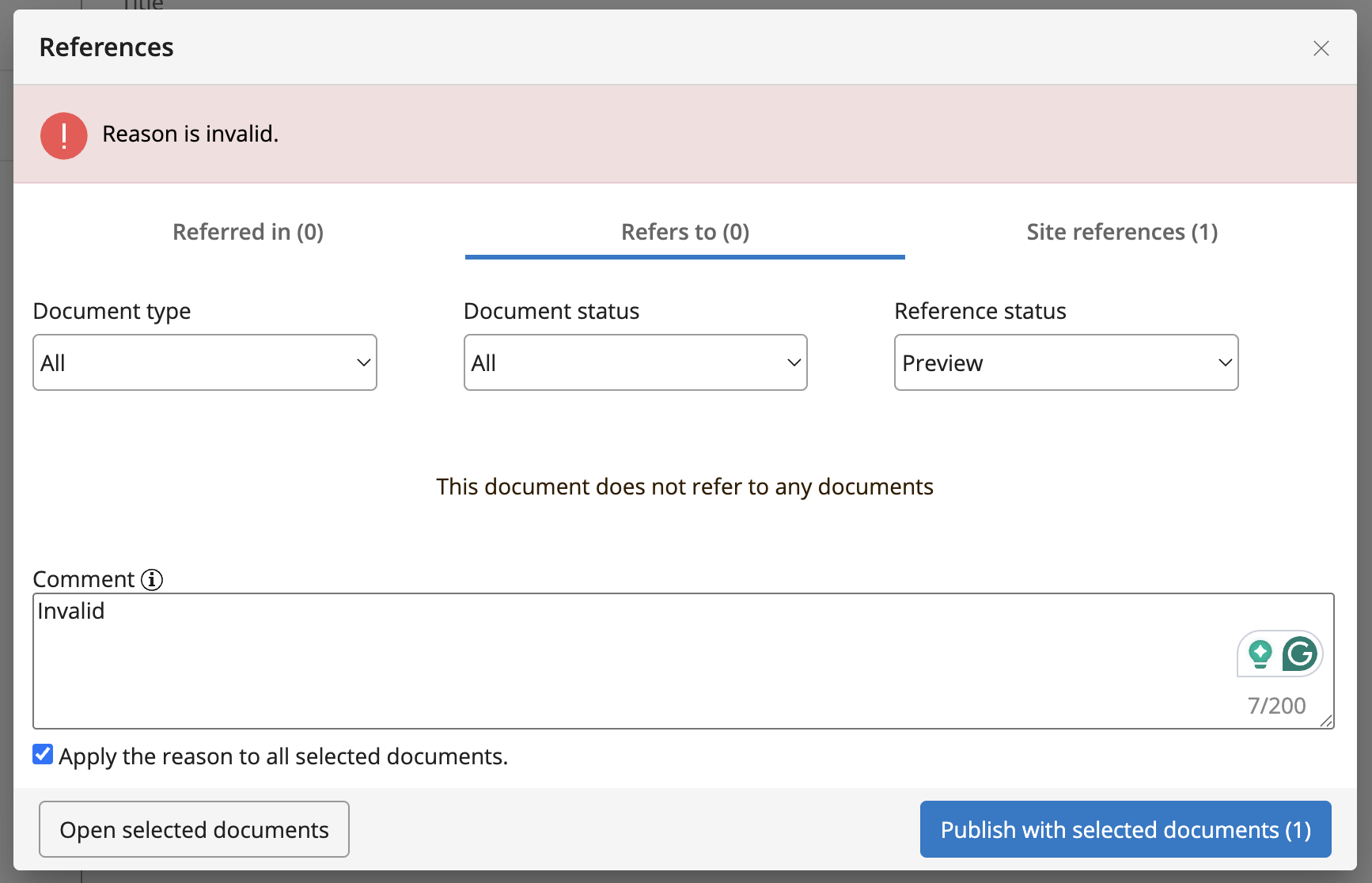
Workflow Commenting feature
Now your editors and authors can leave comments on document publication and take offline to keep track of the reason a particular operation took place (for example, for auditing or historical clarity). This new feature is disabled by default in your project and you can optionally enable it if your team could benefit from this addition. The commenting feature supports a configurable hint label, a character input limit, and custom validator injection.
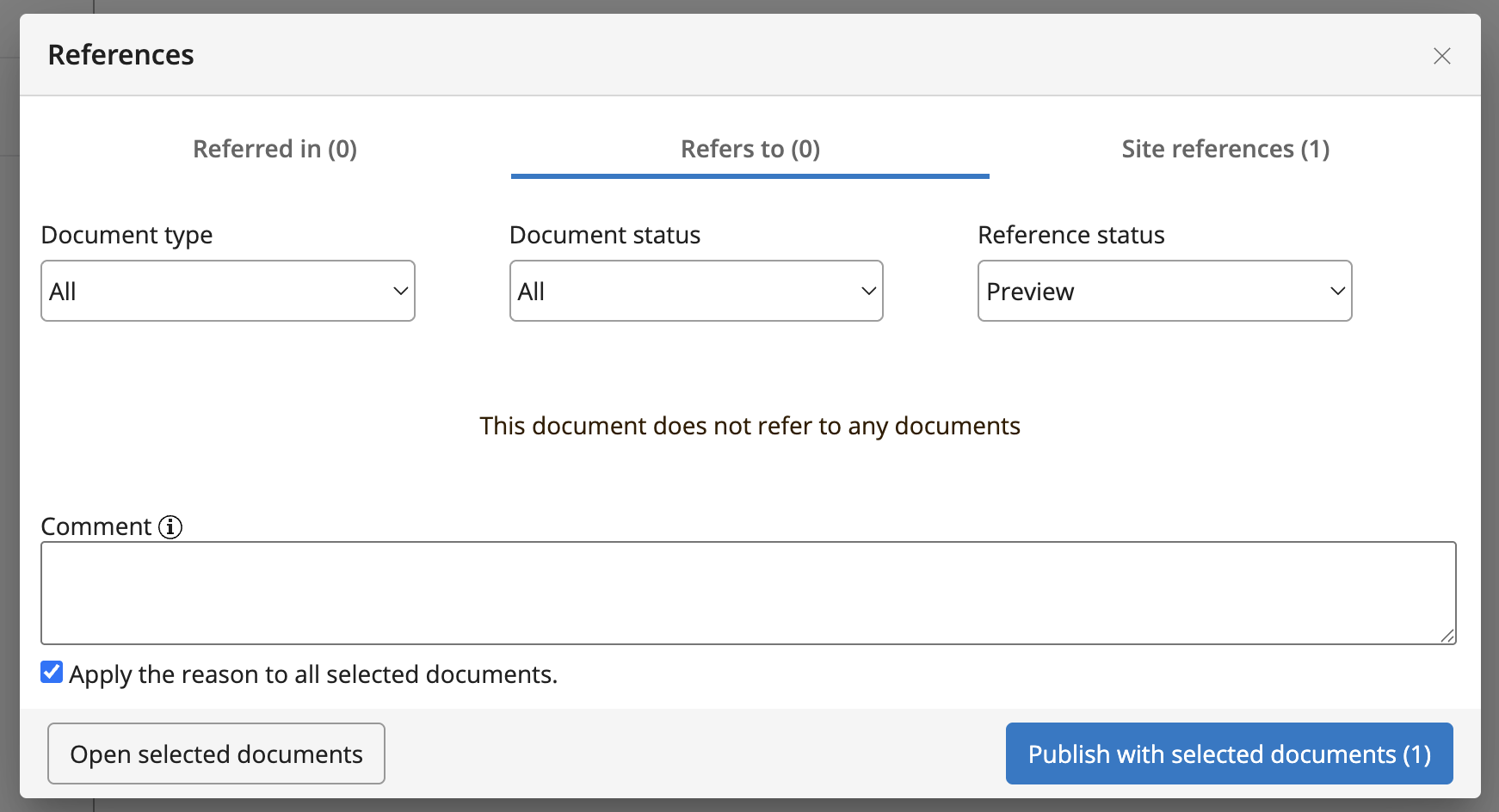
The comment can be applied to the particular or all selected documents on which this workflow operation will be performed.
Based on the documents' state (published or offline), a corresponding ribbon will display the last relevant comment.
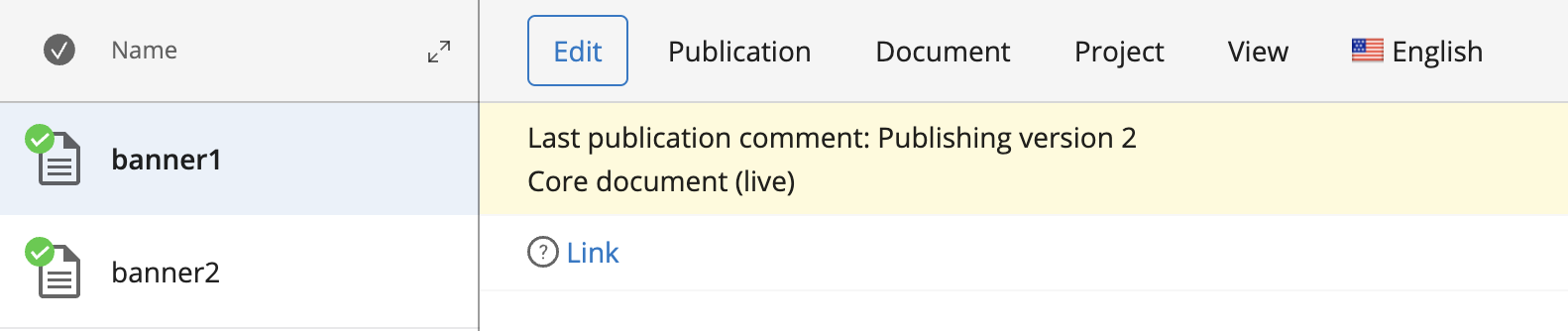
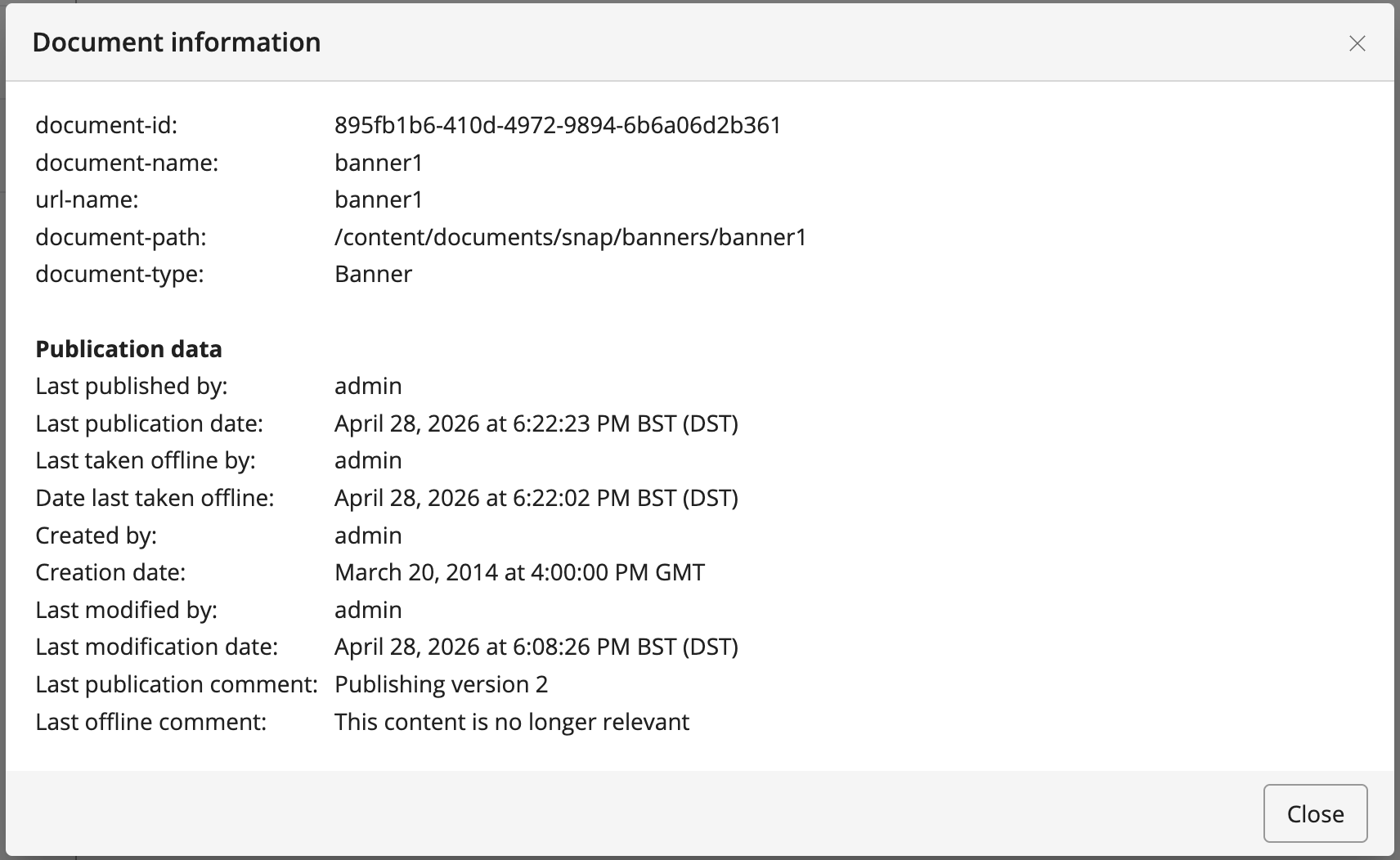
In the document's information dialogue, both the last publication and offline comments are displayed if present.
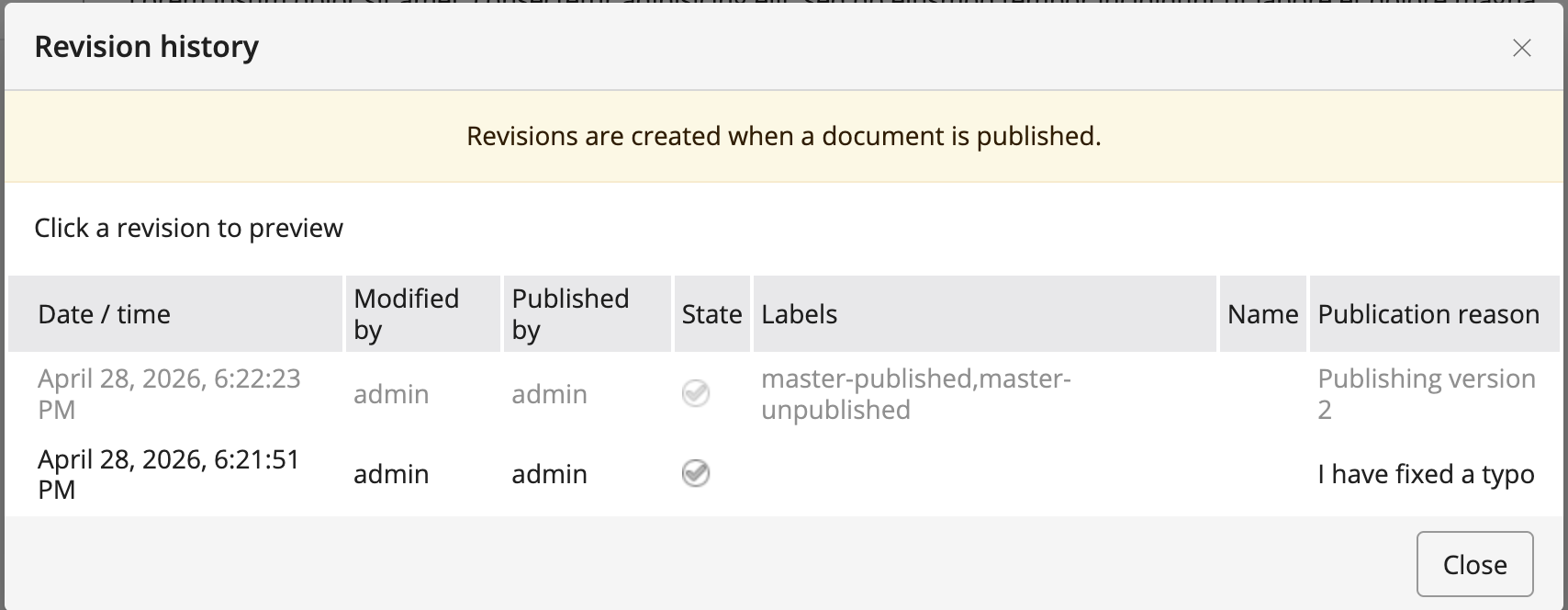
The Revision history dialogue displays for each entry the publication reason if available.
When authors raise a workflow request for publication or to take offline, the informational ribbon will also show the accompanying comment if one was provided.

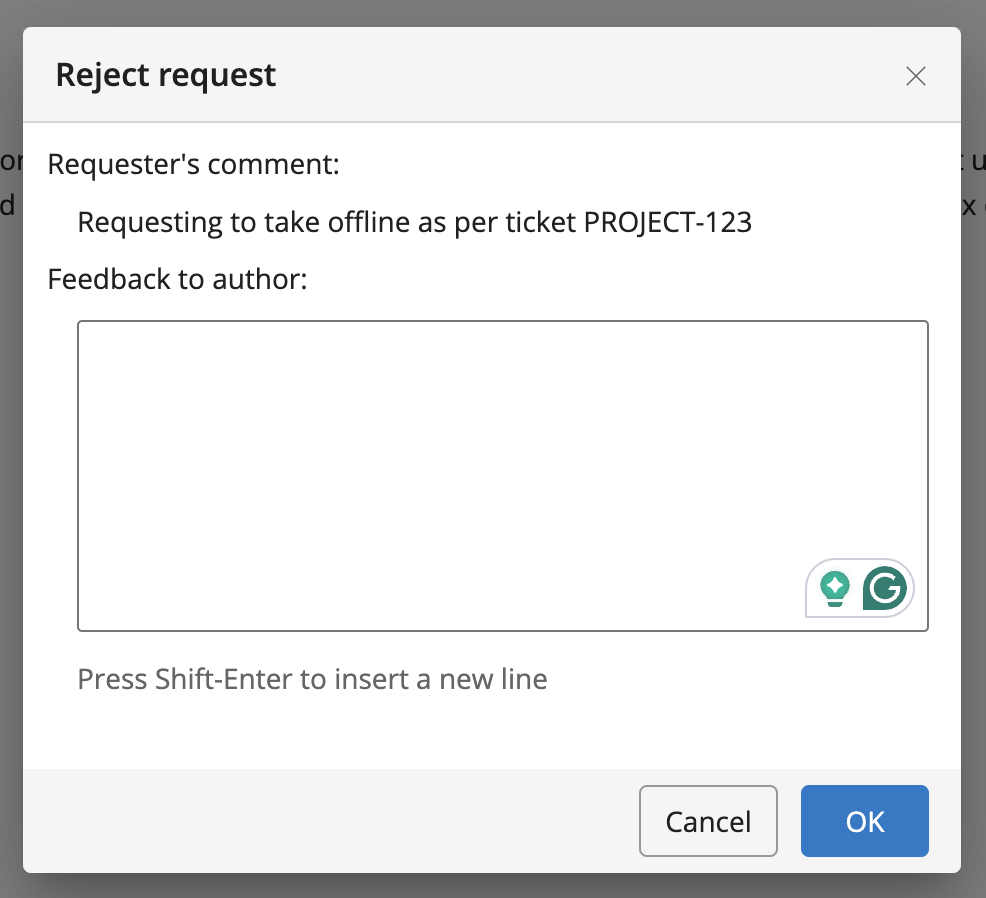
When admins or editors get to reject a request, the same comment will be displayed to them in the Reject request dialogue.
All the configuration and properties can be defined at :
/hippo:configuration/hippo:frontend/cms/cms-services/workflowCommentService
| Property name | Property type | Default value | Description |
|---|---|---|---|
| enabled | Boolean | false | Specifies whether the comment field is enabled or not |
| hint.key | String | Define the hint.key if you need to customise the hint label in your project | |
| max.comment.length | String | 100 | Default value is 100. Set -1 if you need to disable the limit. |
| validator.class | String | Your fully qualified class name for the custom validator that implements org.apache.wicket.validation.IValidator |
Enable the feature
Set the property enabled to true
/workflowCommentService:
  jcr:primaryType: frontend:plugin
  enabled: true
Configure the comment length limit
If no property is specified, it will default to a 100-character limit. If you want to disable the limit, set the property's value to -1
/workflowCommentService:
  jcr:primaryType: frontend:plugin
  enabled: true
  max.comment.length: '-1'
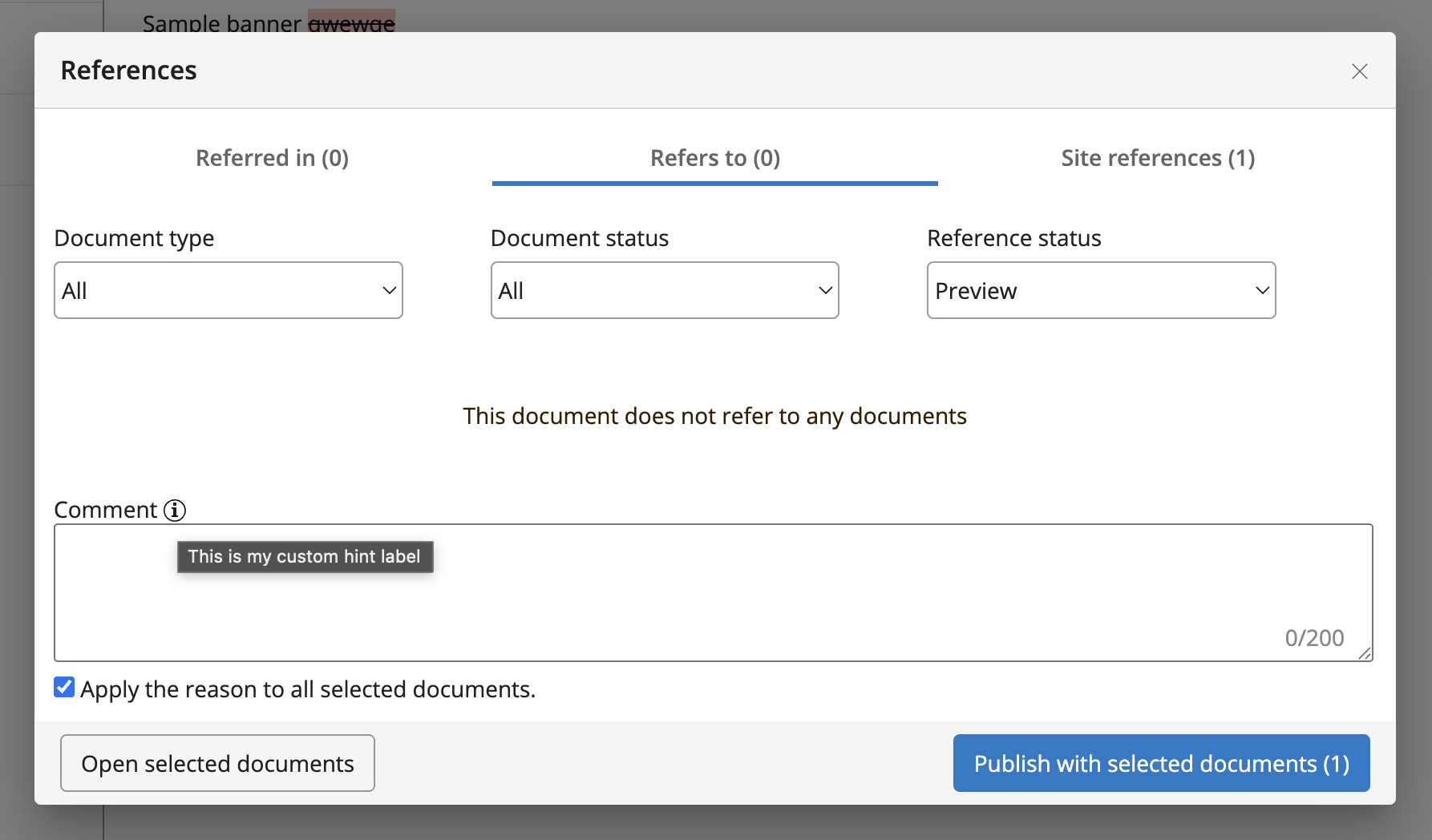
Customise the hint label
Define the property hint.key with a string of your choosing and then add the same key under hippo:configuration/hippo:translations/hippo:workflows/ for each language you want to customise the hint label for.
/workflowCommentService:
  jcr:primaryType: frontend:plugin
  enabled: true
  hint.key: commentHint
and for the desired hint label
/en:
  jcr:primaryType: hipposys:resourcebundle
  <snip existing labels>
  commentHint: This is my custom hint label
Implement a custom validator
If your project requires custom validation logic on what is acceptable as a comment, you can implement such a validator and configure it with the rest of the properties.
For example, if you want to enforce that the comment be mandatory or that your content users must cite a ticket number in their comment, these requirements can be achieved in the same validator.
Below is a sample implementation that should be placed under your CMS module.
myproject/cms/src/main/java/org/example/ReasonValidator.java
package org.example;

import org.apache.wicket.validation.IValidatable;
import org.apache.wicket.validation.IValidator;
import org.apache.wicket.validation.ValidationError;

public class ReasonValidator implements IValidator<String> {

    public static final String EMPTY_REASON = "reason.empty";
    public static final String INVALID_REASON = "reason.invalid";

    @Override
    public void validate(final IValidatable<String> validatable) {
        final String reason = validatable.getValue();
        if (reason.isBlank()) {
            final ValidationError emptyReason = new ValidationError(this).addKey(EMPTY_REASON);
            validatable.error(emptyReason);
            return;
        }

        if (reason.equals("Invalid")) {
            final ValidationError invalidReason = new ValidationError(this).addKey(INVALID_REASON);
            validatable.error(invalidReason);
        }
    }
}
Define the keys reason.empty and reason.invalid inside a properties file under the resources directory within the CMS module
myproject/cms/src/main/resources/org/example/ReasonValidator.properties
reason.invalid=Reason is invalid.
reason.empty=Reason is required.
and set the property validator.class
/workflowCommentService:
  jcr:primaryType: frontend:plugin
  enabled: true
  validator.class: org.example.ReasonValidator